What IPTV Means
The iptv meaning is simple: Internet Protocol television, or television delivered over Internet Protocol (IP) networks. Instead of reaching your TV through an aerial, a satellite dish or a cable line, the video travels as data over an internet connection and a device turns it back into pictures on your screen.
That is the short answer. The rest of this guide explains where the term comes from, how it differs from cable and from streaming apps, and what you need at home.
The definition in one paragraph
According to Wikipedia's entry on Internet Protocol television, IPTV is the delivery of television over IP networks. It covers live broadcast television and also video on demand for watching or replaying content. It is set against delivery through traditional terrestrial, satellite and cable transmission.
The same entry says IPTV is usually sold and run by a telecom provider, is often bundled with internet access by internet service providers, and runs in a closed network. It also says IPTV normally uses a set-top box that converts the incoming packets into something a TV can display. That is the classic, textbook picture of the technology.
Why the word gets used loosely
In everyday talk, people use "IPTV" for a wider set of things: live channels and on-demand libraries that come to you over the internet and play in an app on a device you already own. When you see the word on a subscription site, it usually means that kind of service. If you want the plain-language overview of how such a service works, see our IPTV subscription page.
How IPTV Differs From Cable
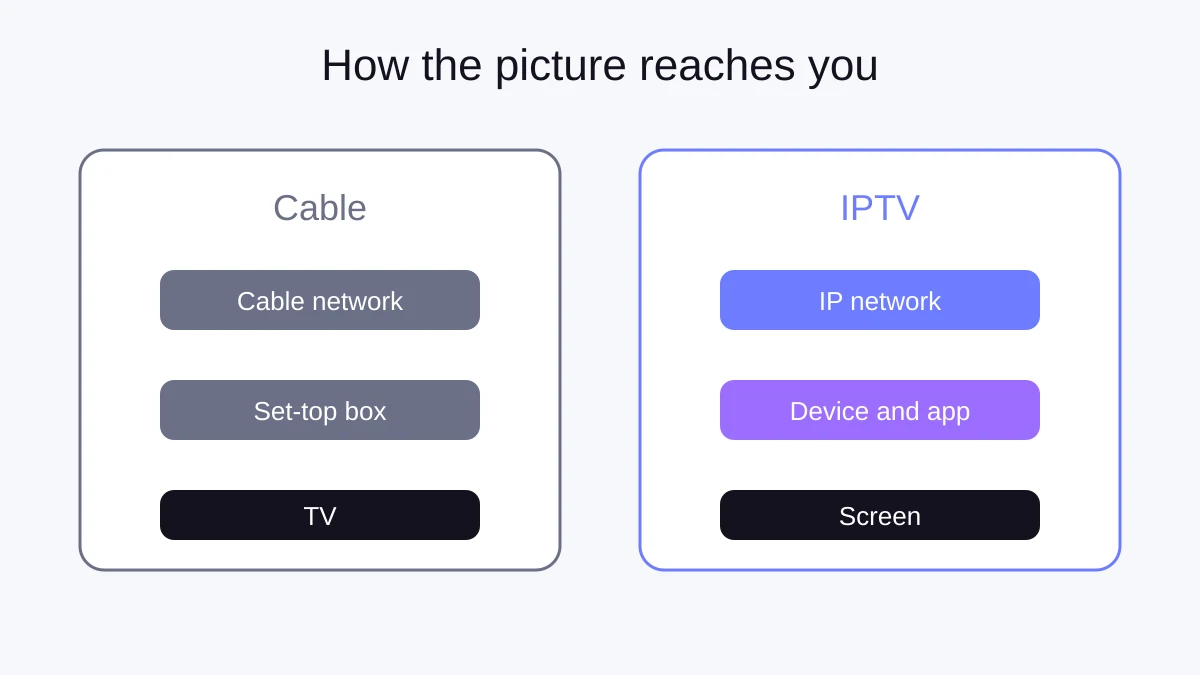
Cable sends television through a physical cable network built for that purpose, while IPTV sends it as data over an IP network. Wikipedia lists cable, satellite and terrestrial as the traditional transmission formats that IPTV is contrasted with.
In practice, the difference shows up in what you connect:
- Cable: a line into the house and a box supplied for that network.
- IPTV: an internet connection, plus a device and an app that can play the stream.
This post is about the definition only. For costs, contracts and fees, read our comparison of IPTV vs cable.
How IPTV Differs From Streaming Apps
IPTV and streaming apps both use the internet, but the technical term separates them. Wikipedia says IPTV is distinct from over-the-top (OTT) services, which are based on a direct one-to-one transmission mechanism.
The Wikipedia entry on over-the-top media services describes OTT as video and audio delivered directly to viewers via the public internet, rather than through over-the-air, cable and satellite television or an IPTV provider. It says the term is synonymous with streaming platform, and that these services may be subscription-based or free.
The same entry lists where OTT video is typically watched: smart TVs, digital media players such as Apple TV, Amazon Fire TV and Roku, game consoles, websites on computers, and apps on phones and tablets.
A quick comparison
| Cable | IPTV (as defined) | OTT streaming | |
|---|---|---|---|
| Delivered over | Cable network | IP network | Public internet |
| Usually run by | Cable provider | Telecom provider, closed network | Streaming platform |
| Typical viewing | Set-top box | Set-top box | Smart TV, players, phones |
If you are comparing how these terms are used in the real world, remember that the textbook definition and everyday usage do not always line up. Many consumer services sold as IPTV are watched in a player app on ordinary devices.
What You Need to Watch
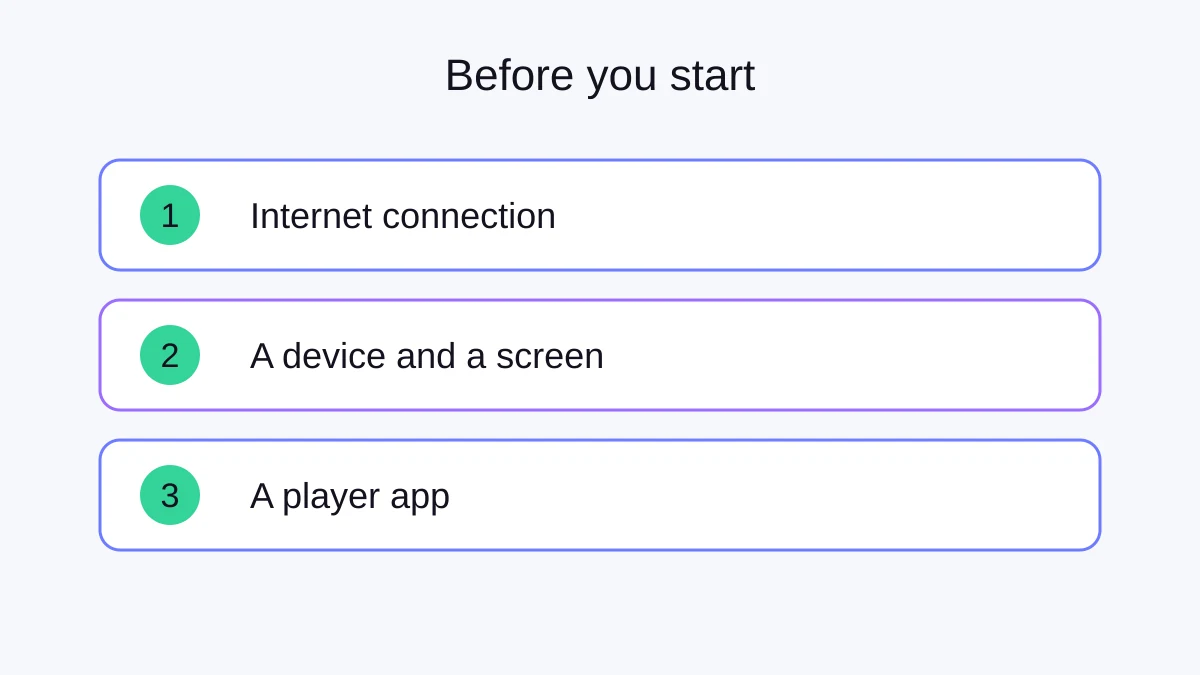
You need three things: an internet connection, a device, and a player app. A reliable connection matters most, because the video arrives over it.
- Internet. A home broadband or Wi-Fi connection. You can tell it works if other online video plays without stopping.
- A device. Phones, tablets, Smart TVs and streaming sticks are common choices. For ideas, see our guide to the best streaming devices.
- A player app. The app plays the channels and on-demand titles from your subscription details. You can tell it is ready when it opens and offers a way to add your playlist or login details.
Devices and apps we support
For Amazon Fire Stick, Android TV, iPhone and iPad, and Samsung or LG Smart TVs, the setup uses IBO Player. You install it, then send us the MAC Address and Device Key. For a MAG Box, the MediaLen.tv team sets it up after you send the MAC address to us through our WhatsApp chat (the Live Chat button on the site) or by email. Roku is also set up by our team.
You are not locked into one app. MediaLen.tv works with any IPTV player that supports M3U or Xtream credentials, and if you already use a player you like, you can keep using it. If you use a Fire Stick, follow our guide to set up MediaLen.tv on Firestick.
If Playback Stutters
Stutter and freezing are usually a connection or device issue to check first, not a reason to give up. Try another network, restart the device and the router, and move closer to the router or use a cable if you can. Our IPTV buffering fix guide covers Android TV and Google TV in more detail.
If the problem happens on every device and every network, contact support. Use the Live Chat button on the site, which opens our WhatsApp chat, or email support@medialen.tv.
Where MediaLen.tv Fits
MediaLen.tv is a subscription service that delivers live channels and on-demand titles over the internet, to be watched in a player app. Its catalogue is 22,000+ live channels across 45+ regions, plus 100,000+ movies and shows on demand, all in one app. Every plan includes live channels covering sports, news, entertainment and kids programming, plus a growing library of movies and series in up to 4K.
Plans run by length and by how many devices watch at the same time, from 1 to 4. The lowest advertised rate is $5.00 per month, for 1 device on the longest plan, which is $59.99 for 1 device in total. See all options on our plans page. There is a 7-day money-back guarantee, and subscriptions do not renew automatically.
Reviewed by Nour-eddine, who runs MediaLen.tv.
Frequently asked questions
What does IPTV stand for?
IPTV stands for Internet Protocol television. It means television delivered over IP networks rather than through traditional terrestrial, satellite or cable transmission.
Is IPTV the same as a streaming app?
Not exactly. Wikipedia describes IPTV as distinct from over-the-top services, which reach viewers directly over the public internet. In everyday use, many people use the word IPTV loosely for TV delivered over the internet and watched in a player app.
What do I need to watch IPTV?
You need an internet connection, a device such as a Fire Stick, Android TV, iPhone, iPad or Samsung or LG Smart TV, and a player app. MediaLen.tv works with any IPTV player that supports M3U or Xtream credentials.
Do I have to use IBO Player?
No. IBO Player is the app used in our setup guides for several devices, but MediaLen.tv works with any IPTV player that supports M3U or Xtream credentials. Your M3U URL is available in My Accounts.
Who do I contact if something does not work?
Use the Live Chat button on the site, which opens our WhatsApp chat, or email support@medialen.tv. If a problem happens on every device and every network, contact support.